Free & open source · macOS 14+

A helper that lives in your notch. And just helps.

Hold ⌃ ⌥ and talk. openclicky sees what's on your screen, points at the right button, sketches an explanation, or quietly takes on the bigger job while you keep working.

Free forever. MIT licensed. Bring your own Claude or DeepSeek key.
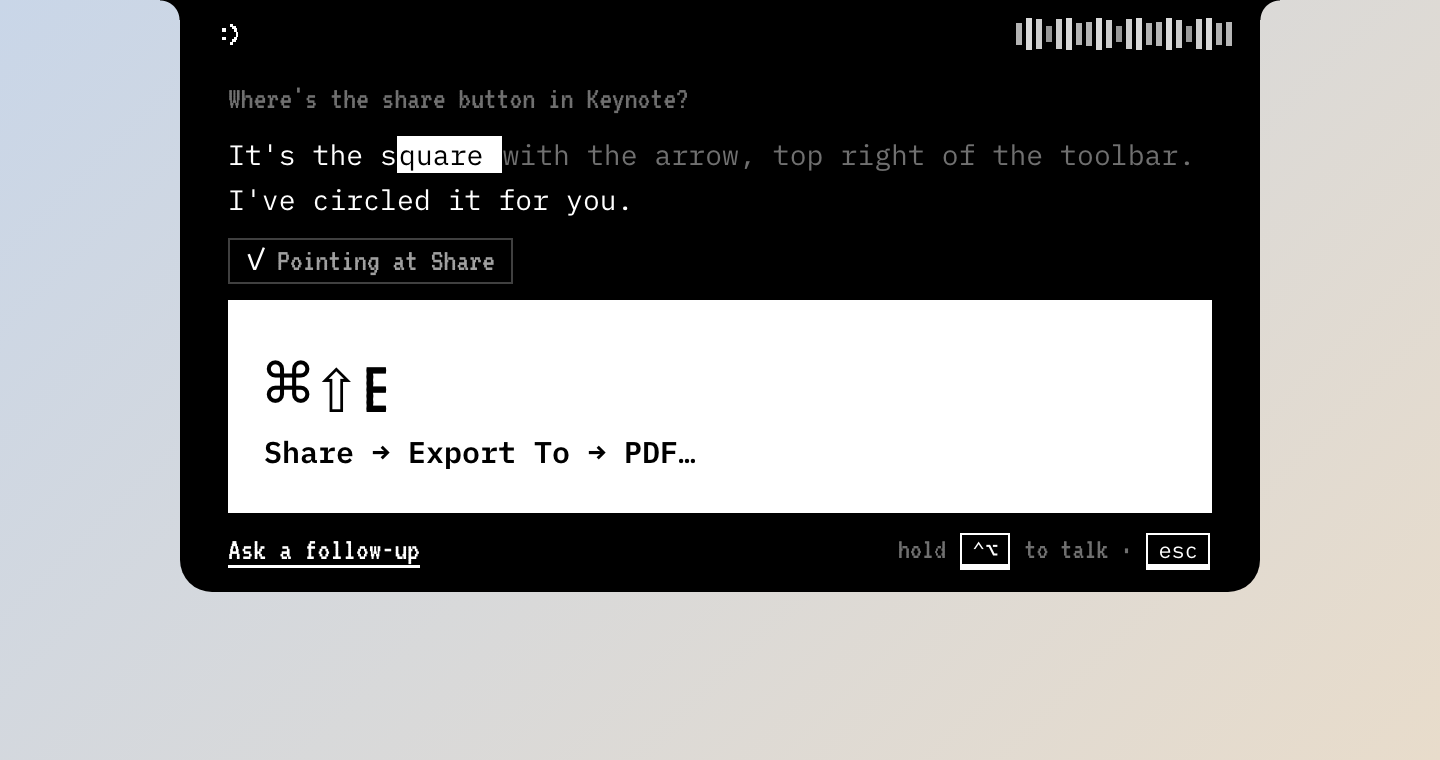
The openclicky notch answering a question
Features

Everything happens where you already are.

No chat window to switch to. It answers out loud, shows you on the screen, and gets out of the way.

Talk, don't type

Hold control and option, ask, let go. You hear the answer in a natural voice a second later.

Sees and points

“Where's the export button?” A pointer flies out of the notch and lands right on it.

Explains on a board

Ask why something works and it sketches the idea on a clean whiteboard while it talks you through it.

Jobs in the background

“Make me a one-page PDF about tea.” A card shows the plan; a live note fills in; the file lands where you asked.

Dictation anywhere

Hold fn and control and speak. Clean, punctuated text is typed into whatever field you're in.

Private by default

Speech recognition and the voice run on your Mac. Screens and files only leave it when a question needs a model.

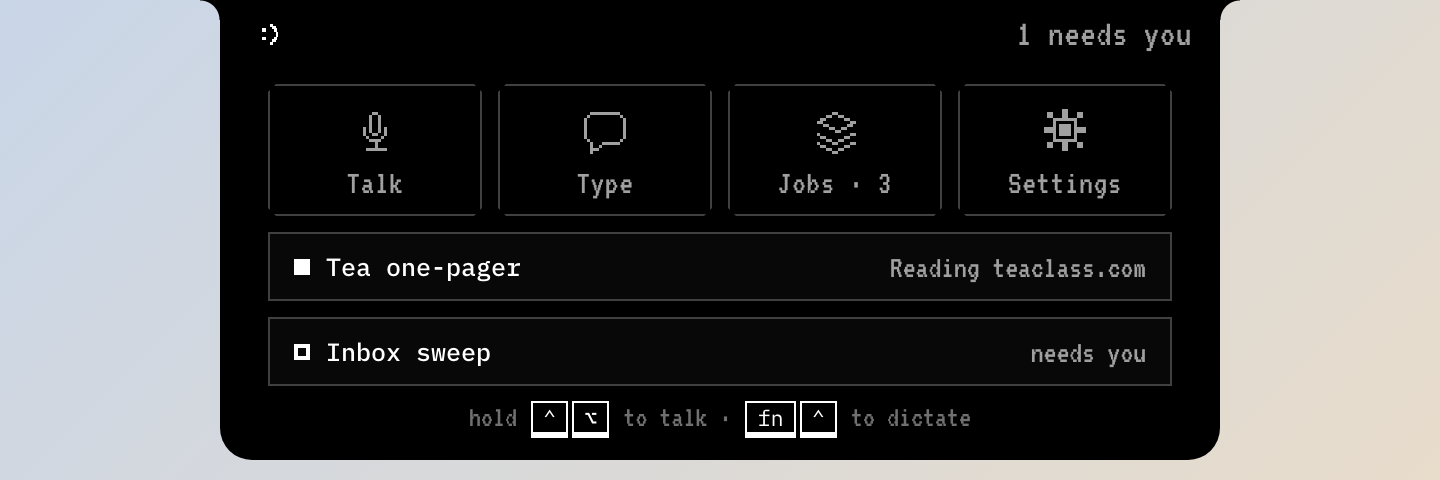
Hovering the notch shows quick actions

Hover the notch

Talk, type, your running jobs and the last answer, one glance away.

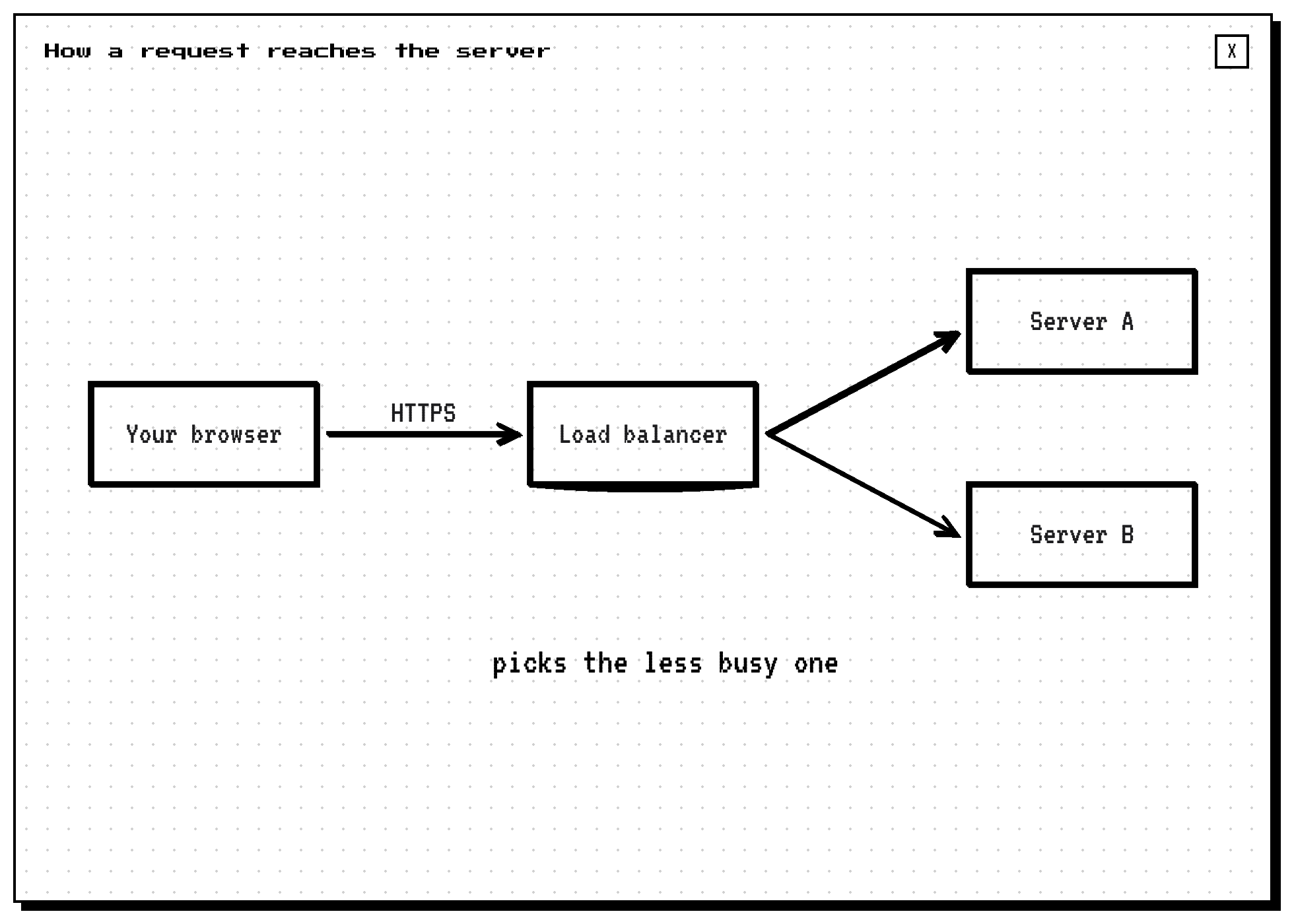
A diagram sketched on the board

A board for explanations

Diagrams get their own paper, so nothing covers what it's drawing.

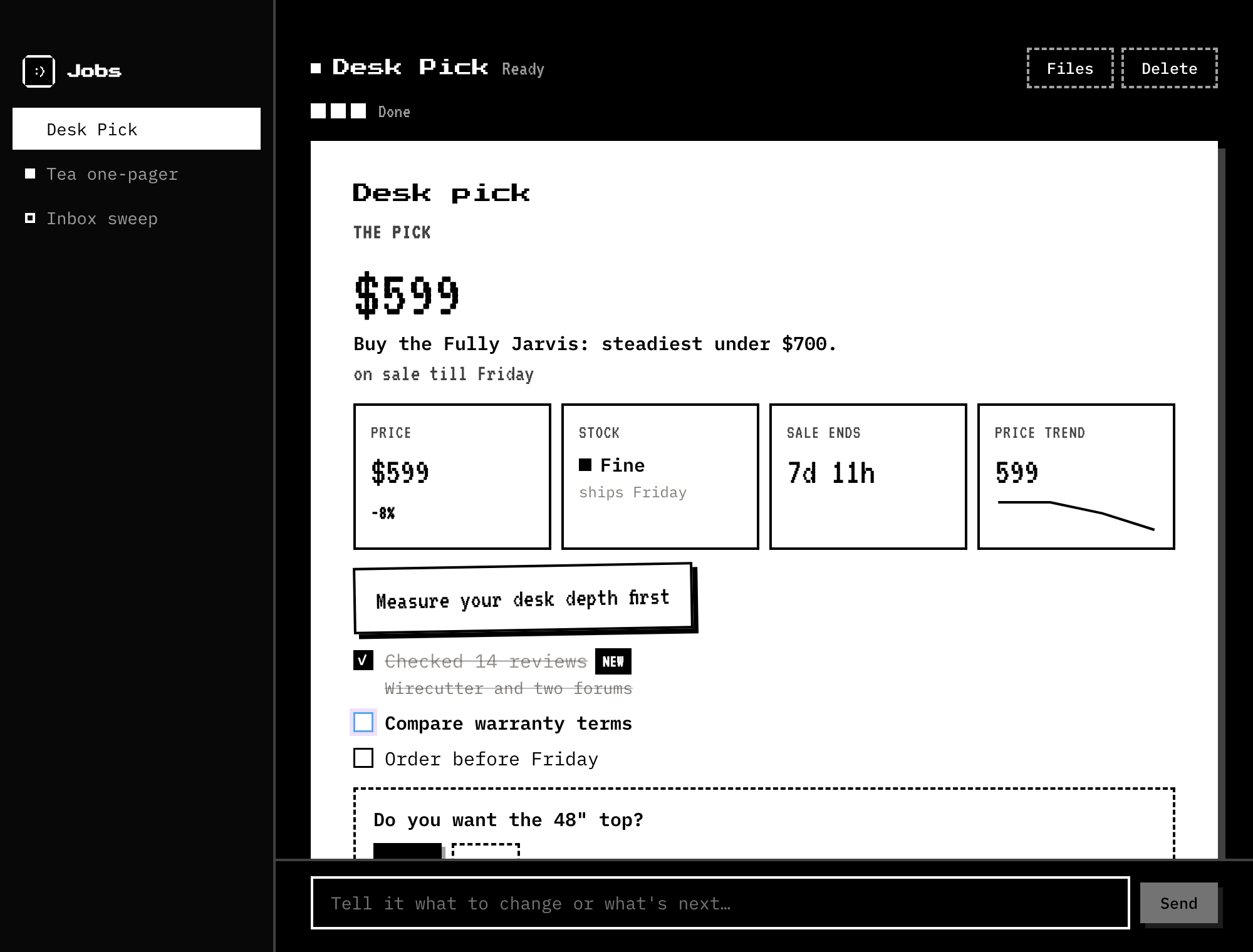
A job's live note

Notes, not chat

Every job writes a page: the answer first, then the details, with buttons for what's next.

Job cards on the edge of the screen

Cards on the edge

See progress at a glance. When a job needs you, it asks once, with tap answers.

How it works

Running in two minutes.

Download

Open the DMG and drag openclicky to Applications. It lives in your menu bar, not your Dock.

Allow four switches

Microphone, speech, screen and accessibility. The welcome screen walks you through each one.

Add your key

Paste a Claude or DeepSeek API key in Settings. You pay your provider directly; openclicky costs nothing.

git clone https://github.com/openclicky/openclicky && cd openclicky
npm install && npm run app:build && npm run app:install
Free

Free. Open source. Yours.

No subscription, no account, no usage meter. The code is MIT licensed, so you can read it, change it and ship your own.

Changelog

What's new.

0.3.0


Latest
  • The board. Visual explanations are sketched on a clean paper canvas instead of over your screen.
  • Hover to peek. Rest the pointer on the notch for quick actions, running jobs and your last answer.
  • Precise pointing. Screenshots are 1:1 with the screen and the pointer snaps to the real button or line.
  • Smoother. Marks stay through the answer and fade on their own; nothing waits for a click.
  • Quieter design. A neutral, native look with the system font.
  • Permissions that stick. Builds keep a stable identity, so macOS remembers your switches.

0.2.0

  • Voice loop. Hold ⌃⌥, talk, and hear the answer while it streams.
  • Natural voice with Kokoro, running offline on your Mac.
  • Jobs with a plan, a live note, questions when stuck, and files saved where you want them.
  • Your browser through the openclicky extension, and connectors through MCP.
  • Dictation into any field with fn⌃.

0.1.0

  • Menu-bar app, notch panel, hold-to-talk hotkey, permissions setup and sounds.